**NOTE** If you use a template in RightSignature be sure to mark it PRIVATE to ensure other users are not able to view the template.
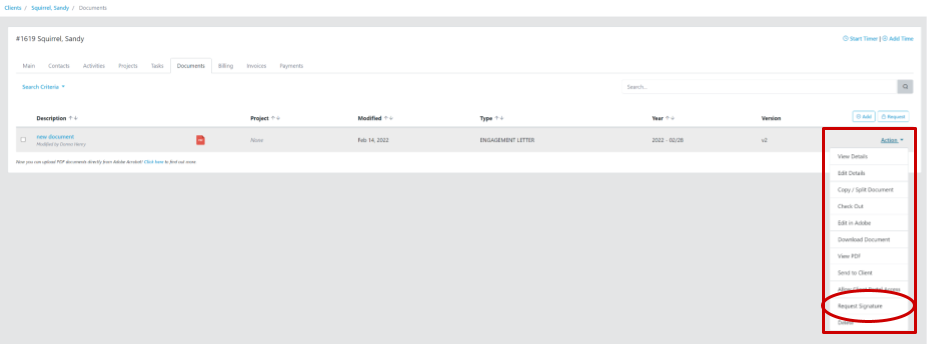
1. From the document Action dropdown in Firm360, select the document for signature. Confirm required selection and authorizations options to access the Right Signature platform.
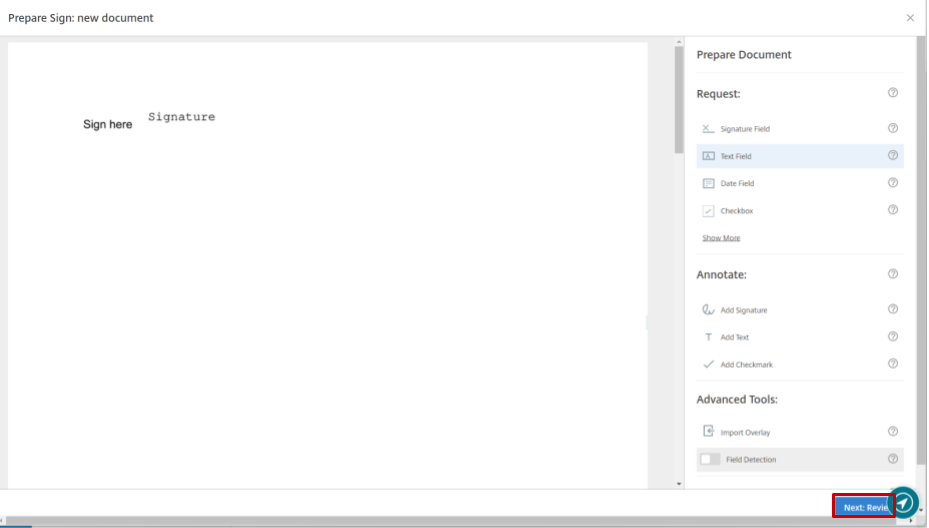
2. In the Right Signature platform, add all the required elements for signature, etc. When ready, select "Next: Review".
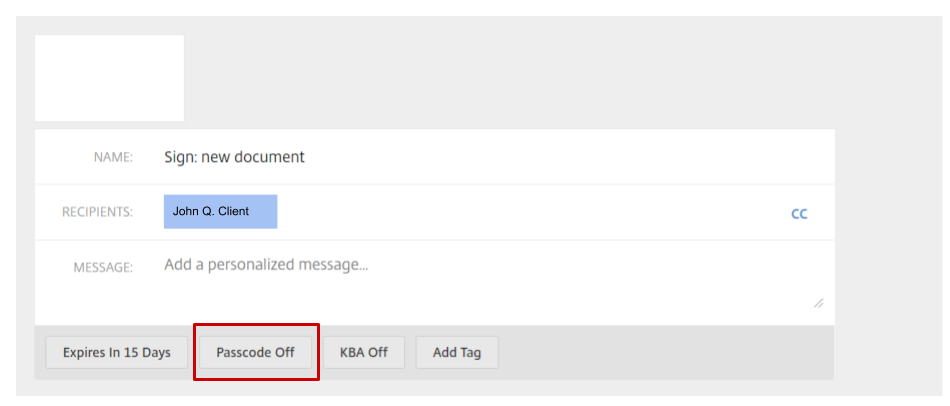
3. Click "Passcode Off" to turn Passcode On.
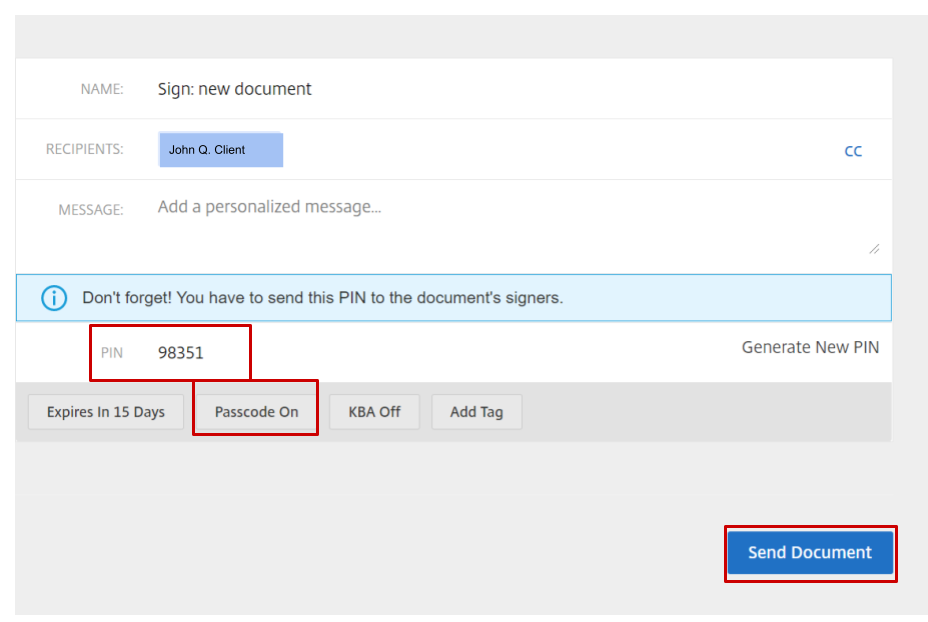
4. Make note of document PIN to notify client. Select "Send Document".