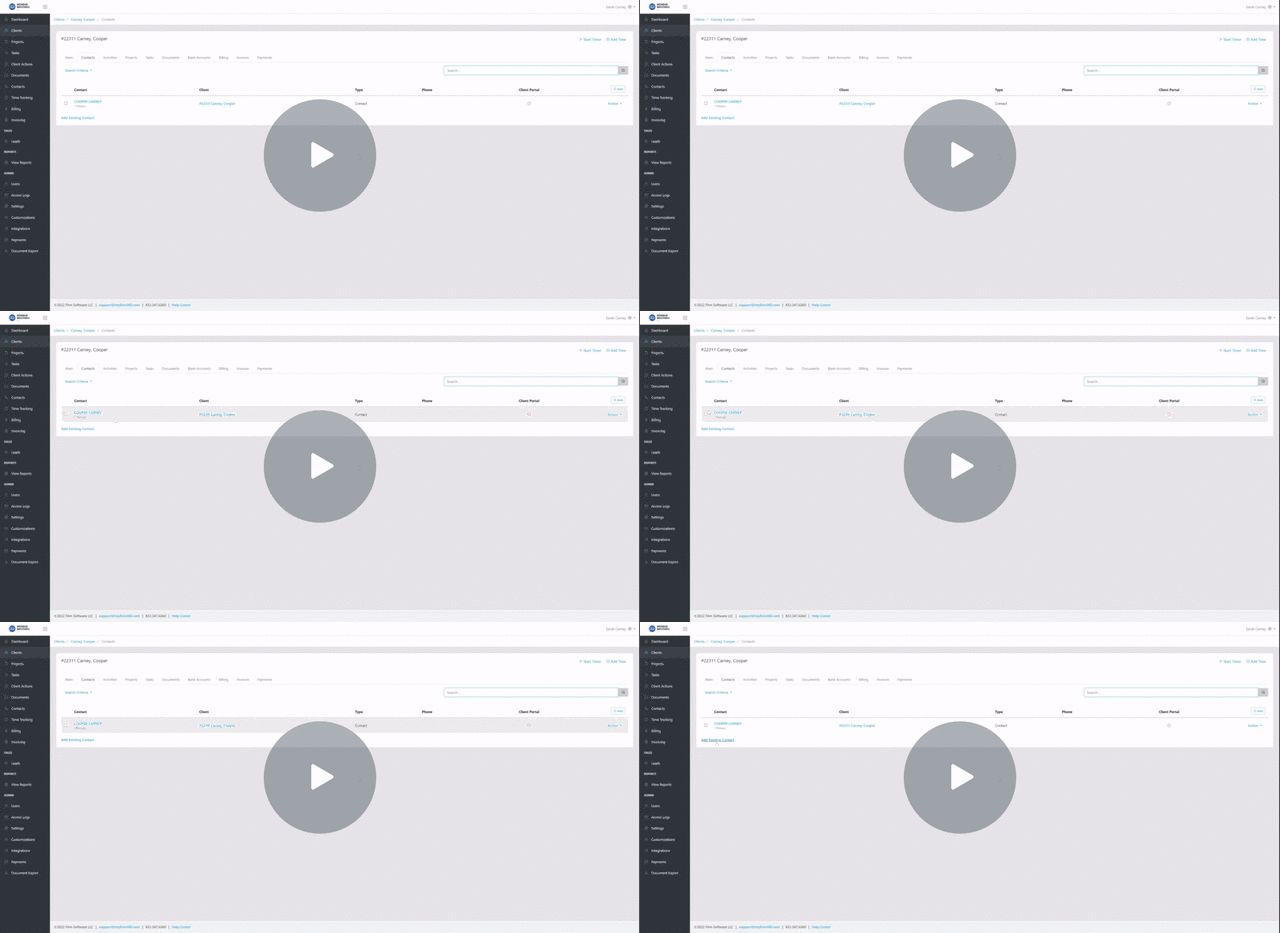
If you update the spelling of a contact’s name but do not see the change reflected in the bold client name at the top of Firm360, this is typically due to how client names are generated.
Overview
For individual clients, the displayed client name is automatically generated based on the assigned Primary and Spouse contacts. Changes made to a contact may not immediately reflect until the client record is refreshed or updated.
How to Update the Client Name
To ensure the corrected name appears:
- Confirm the contact name has been updated and saved
- Navigate to the Client record
- Select Edit on the Main tab
- Verify the correct Primary and/or Spouse contact is selected
- Save the client record
- Refresh the page
The client name will update based on the current contact information.
Important Notes
- Client names for individuals cannot be edited directly
- Names are generated from the assigned Primary and Spouse contacts
- Saving or refreshing the client record may be required for changes to appear

L